Github as a tool for promoting reproducibility & collaboration in the HerbVar Network

Emilio M. Bruna

3 Jun 2024

Reproducible Workflows for HerbVar

  1. Motivation
  2. Git/Github for HerbVar Projects
    1. Correcting & organizing data for HerbVar (e.g., prior to uploading)
    2. Analysis of HerbVar data for publications (and manuscript preparation )
  3. HerbVar Manual (& how to edit it)
  4. Next Steps

But First…

Herbvar is now a Github Organization (technically a “Team”)
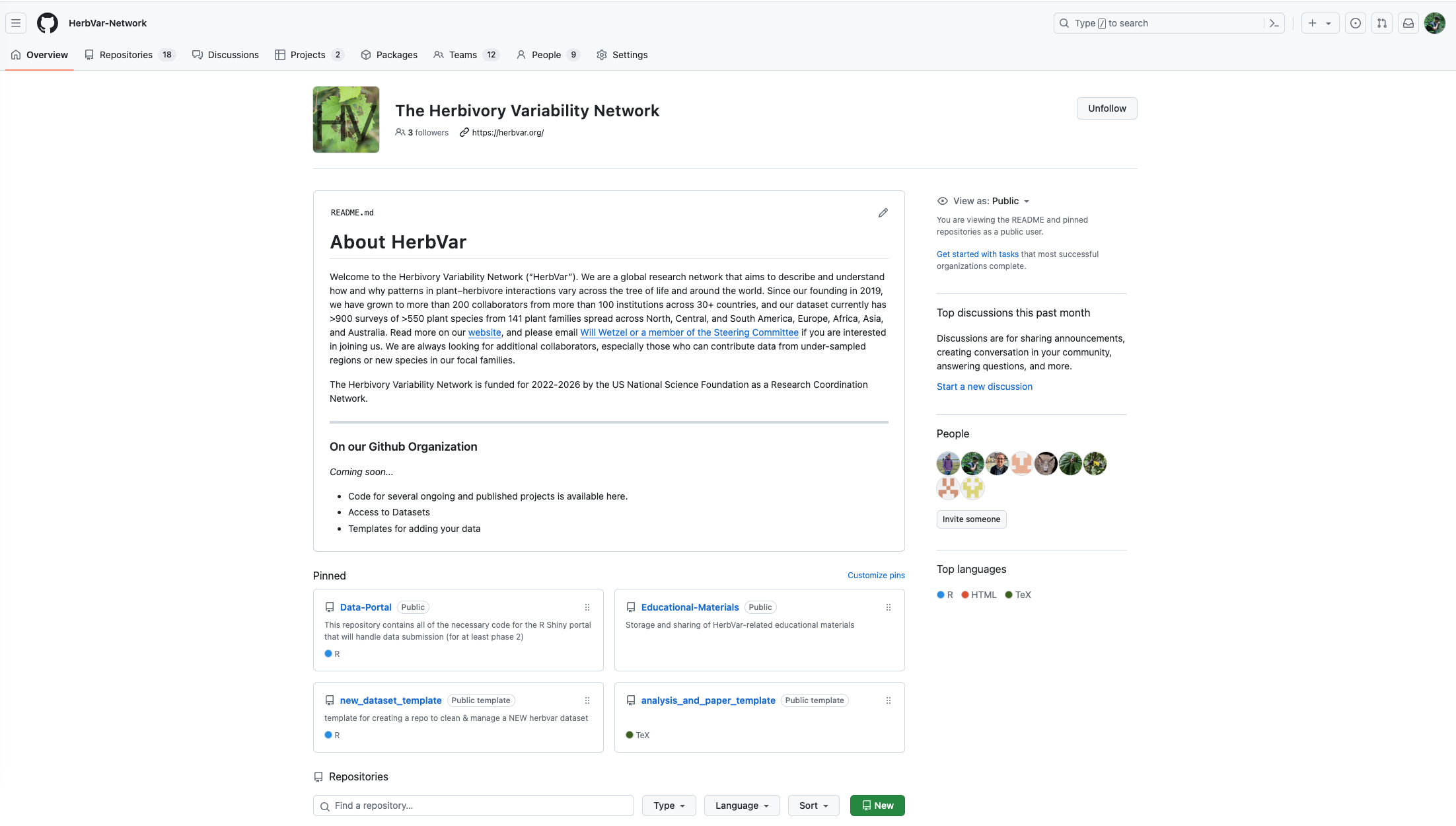
Why consolidate efforts in Github?

  • can grant users different levels of access and permissions

  • allows private repositories

  • Project Progress Boards where you can assign duties, automate progress updates.

  • can have Discussions (Slack-like features like discussions, polls, etc.)

  • having all projects in a central location facilitates management, collaboration, & code sharing.

Templates

Benefits of Using Templates

  • Speeds up project startup
  • Simplifies data access
  • Standardizing = smoother collaboration, code review, & code sharing
  • Easier post-acceptance archivin of code and data
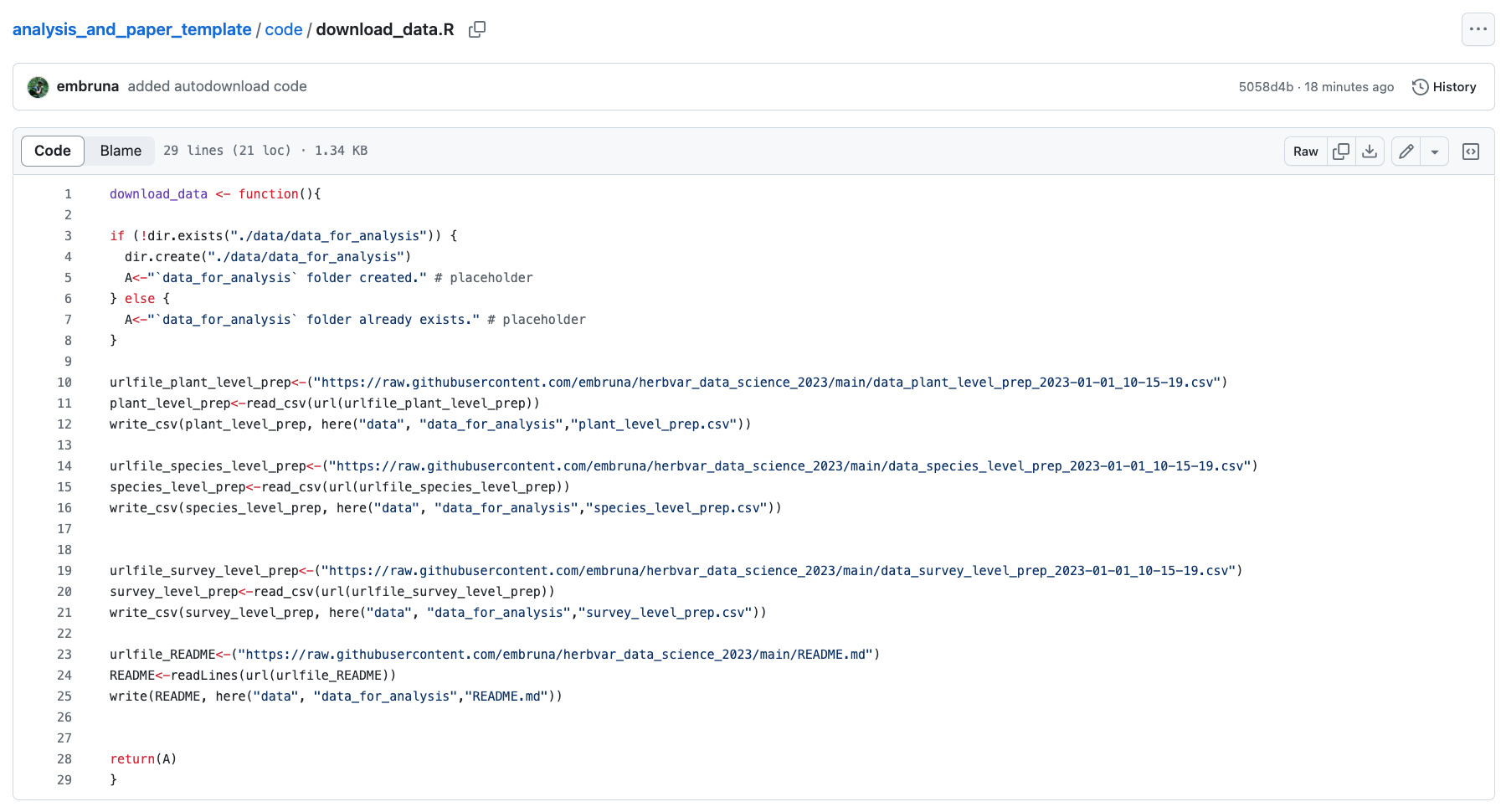
  • Pulling in data from a repo with code1 ensures users always have latest version (or at least know what version they’re using).
  • Facilitates correction of errors2.
  • Work remains accessible after someone moves on3

The biggest obstacles:

Habit formation & enforcement

Template 1:

Cleaning & Organizing Data for HerbVar
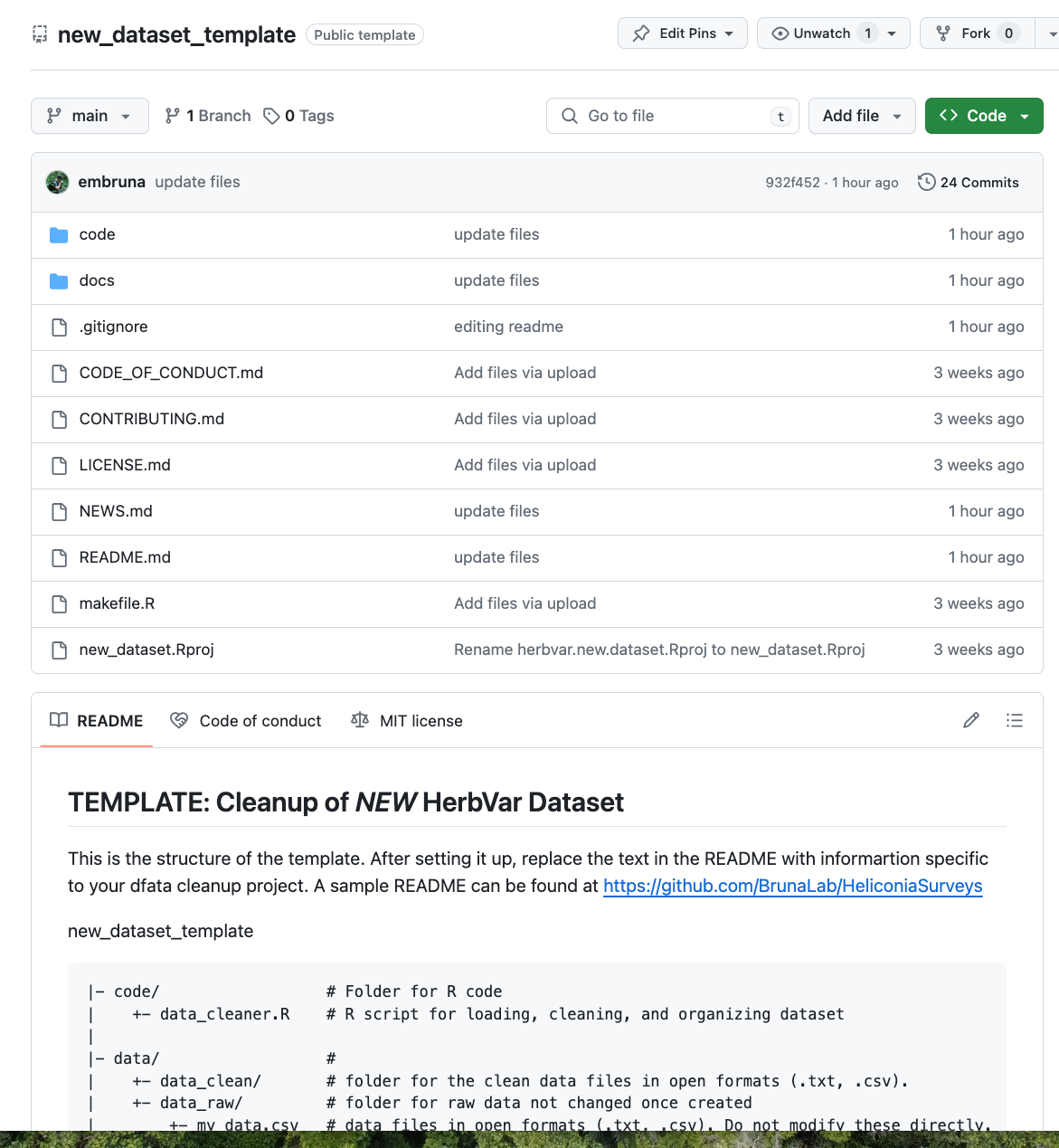
https://github.com/HerbVar-Network/new_dataset_template

Template 2:

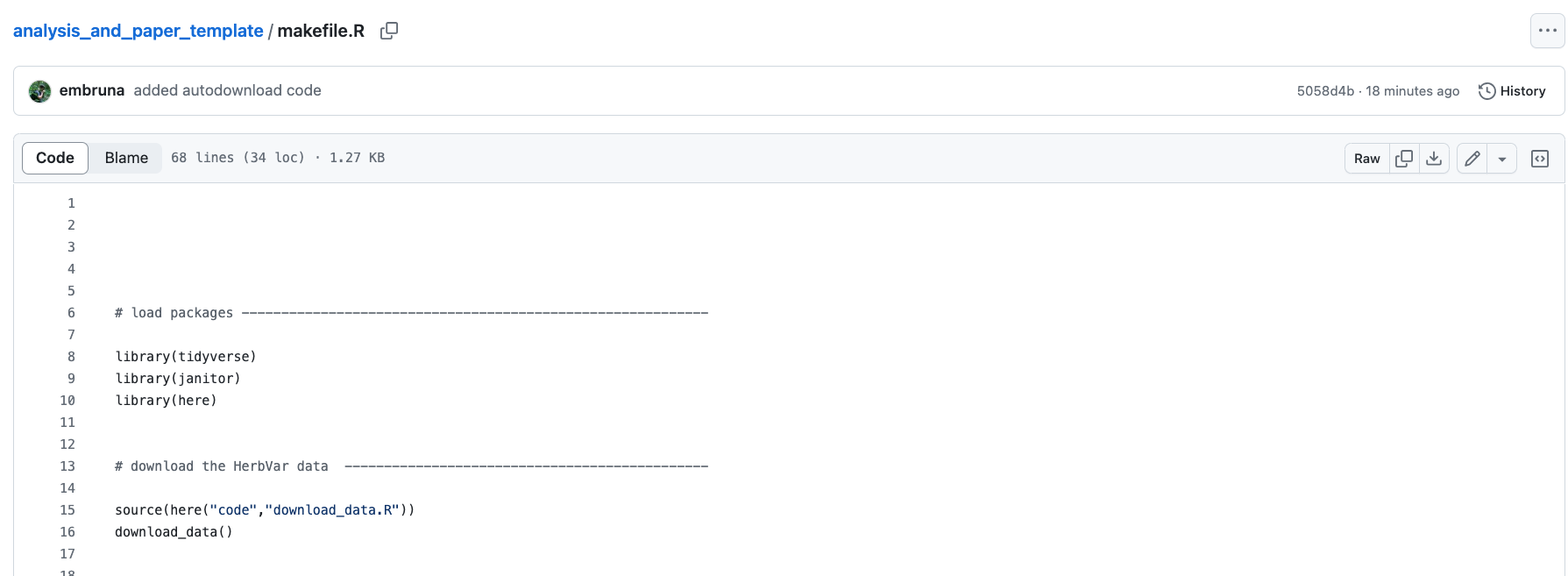
Analyzing HerbVar Data for a Paper (and the paper too, if you want)
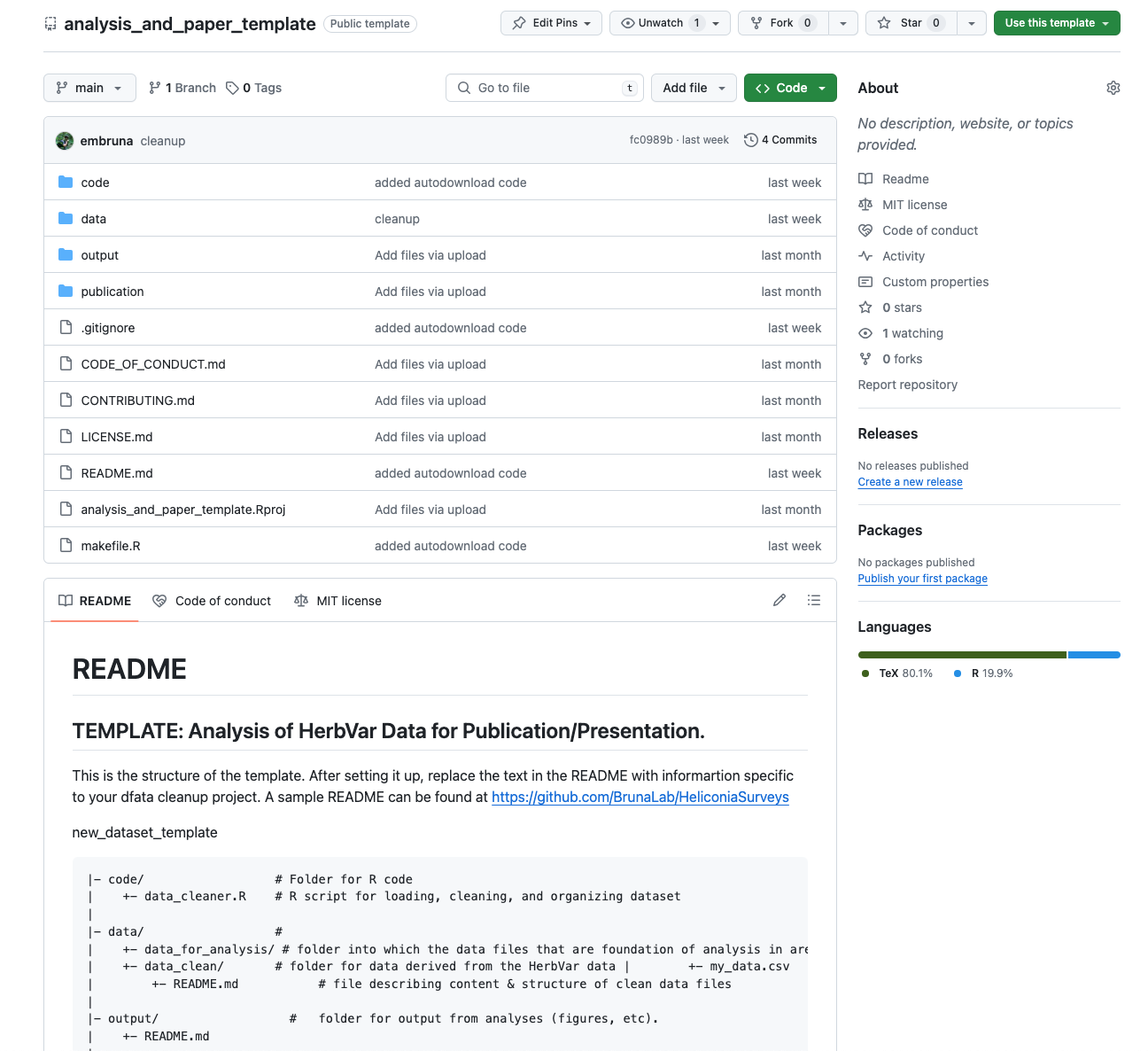
https://github.com/HerbVar-Network/analysis_and_paper_template

Template 2, cont.

Template 2, cont.

Set up a new repo from template

Step 1:

Set up a new repo from template

Step 2:
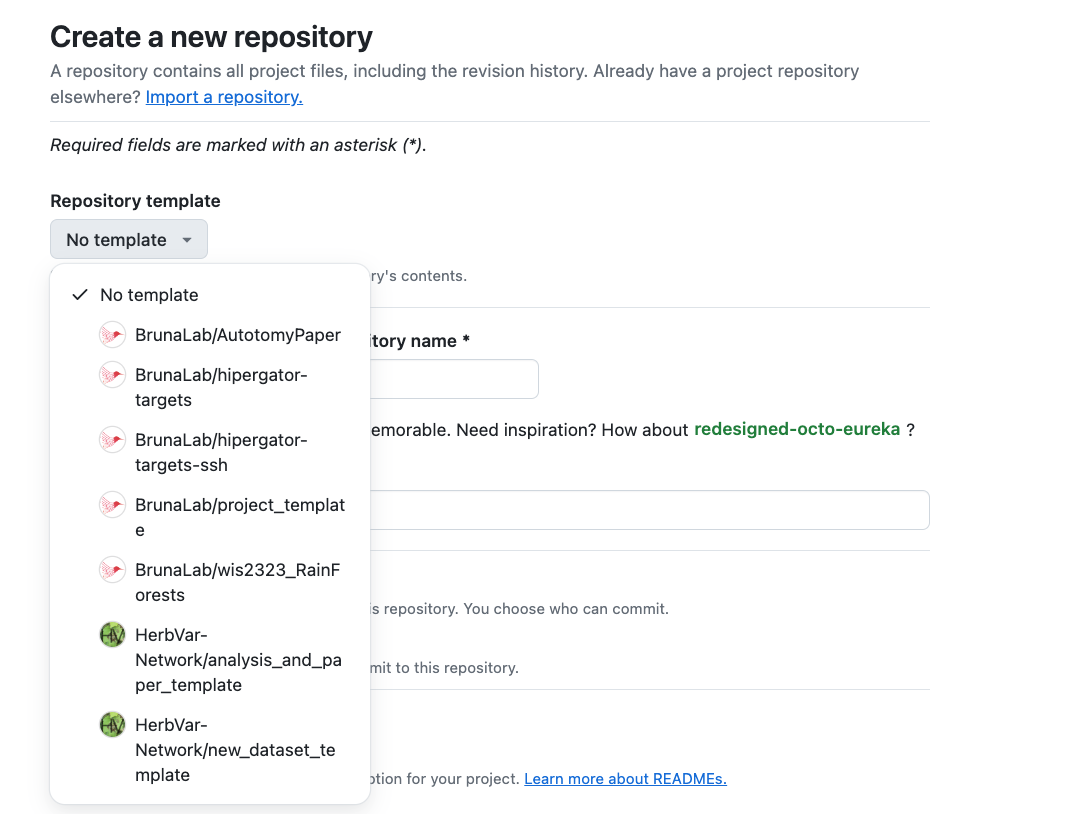
Set up a new repo from template

Step 3:
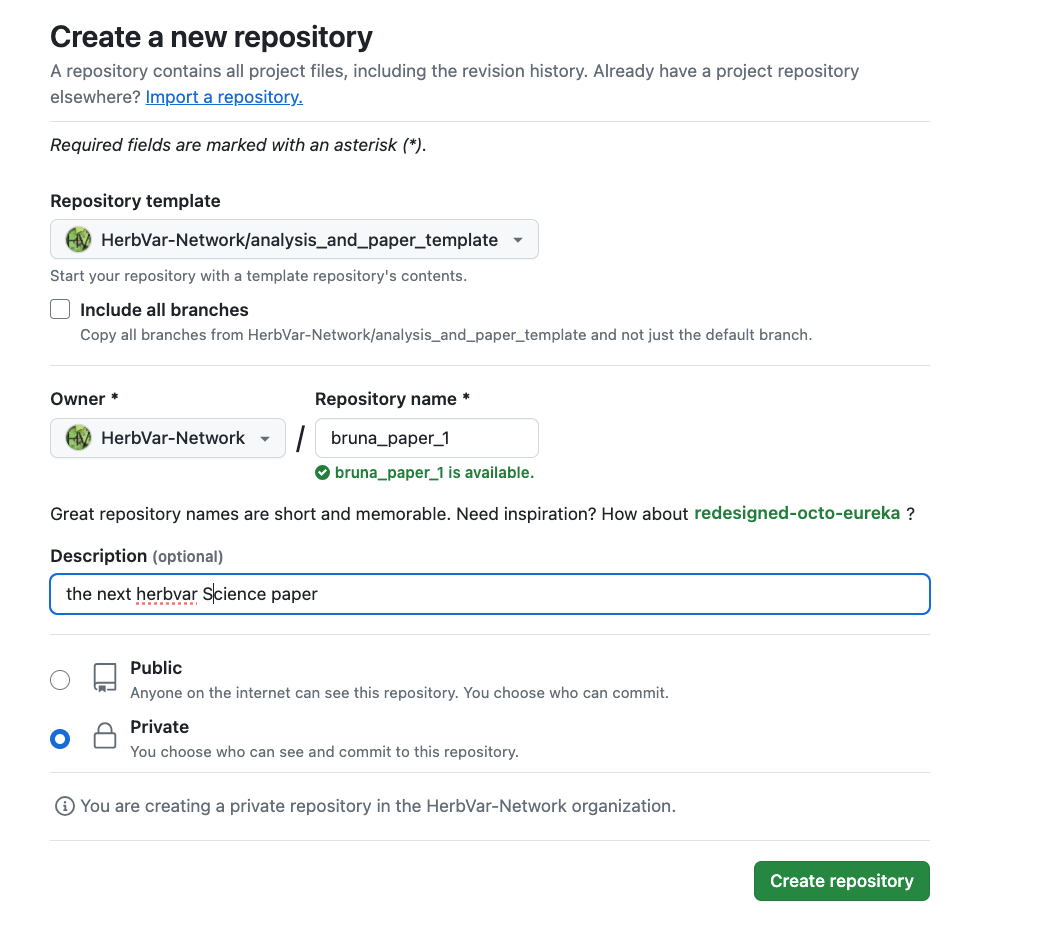
Next Steps

  1. Onboarding of new collaborators
  2. Automated data validation with pointblank and Github actions
  3. Porting the correction & management of HerbVar datasets to Github
  4. Continued revisions to the Manual
(help wanted / welcome)

Bonus Material

How to move a repo from your Github to HerbVar’s

  1. Repo Settings -> Danger Zone -> “Transfer ownership”

  2. Click Transfer, select HerbVar Organiation as the new owner

  3. update the link from your Rstudio Project and the (new) Repo url by entering the following commands in the terminal:

  • git remote -v 1
  • git remote add origin https://github.com/HerbVar-Network/REPOSITORY-NAME.git 2

Resources worth considering…

For Reproducibility

For Manuscripts

Ideas: content of projects

Useful Reading